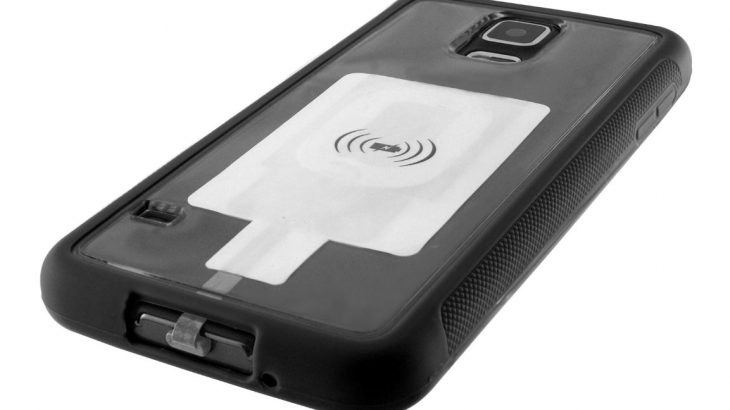
Want to use Qi wireless charging for your phone, but don’t have it built in? Now it’s easier than ever to add this functionality to any phone that charges using Micro USB — just add this clever adapter from KSIX!
Want to use Qi wireless charging for your phone, but don’t have it built in? Now it’s easier than ever to add this functionality to any phone that charges using Micro USB — just add this clever adapter from KSIX!
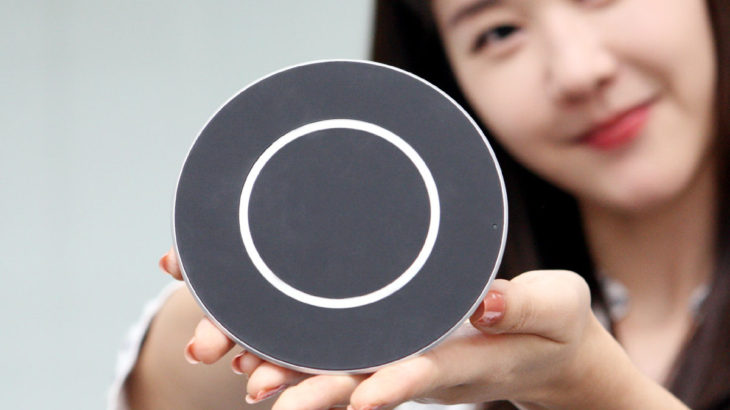
Wireless charging is much cleaner and more convenient than wired charging, but it does has its downsides – like slower charging speeds. However, that might soon be coming to an end, with the release of LG’s Quick Wireless Charging Pad — which promises to charge your phone as quickly as the fastest wired chargers.
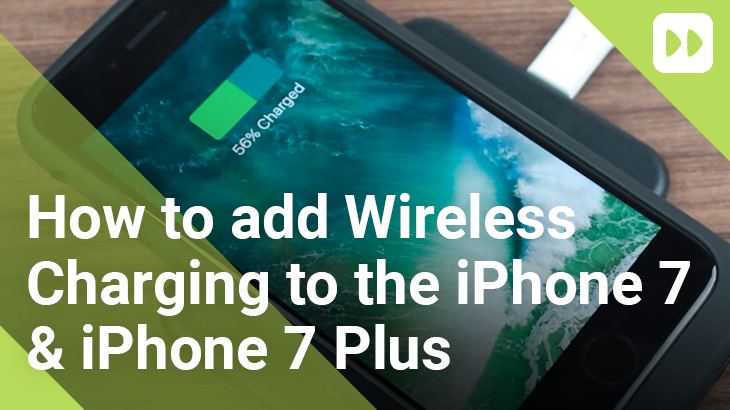
The iPhone 7 and 7 Plus don’t come with wireless charging built in, but you can add this functionality yourself using a few key accessories.
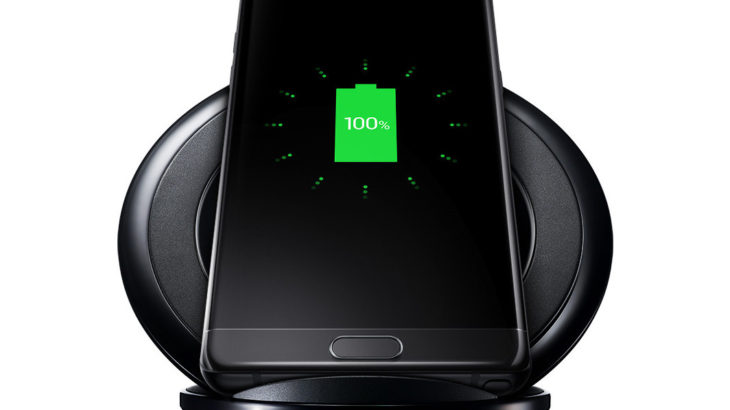
Wireless charging is great – it gives you the freedom to use your phone whenever you like, without the hassle of hunting for a charging cable, plugging it in and then unplugging it when you need it. Getting wireless charging set up takes only a few seconds, but sometimes it’s not obvious what to do. Here’s how to get started.
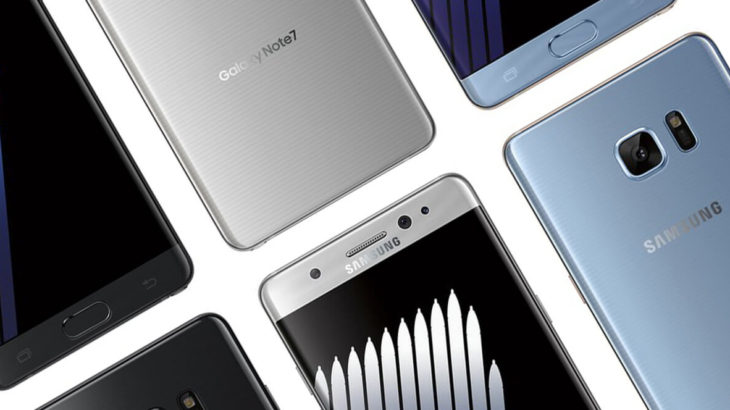
Hey folks, we’re back again with another guide to the Note 7. This time, we’re answering a common question: when should I use wireless charging, and when should I use normal, wired charging? There are some situations where one is clearly better than the other, so let’s go through them.