The Note 7 comes with 64GB of storage space as standard, compared to just 32GB on the Note 5… yet there are more ways to run out of space than ever before, with VR apps and games, 4K video recording and increasingly heavy apps and features. Today, we’ll be showing you how to regain some of that space, by adding new hardware or making software tweaks. Let’s get started!
Android
Samsung Galaxy Note 7 reviews roundup
It’s finally here — and from the early reviews, the Note 7 might just be the best phone that Samsung’s ever made. Let’s take a closer look, as we look at Note 7 reviews from the biggest names in the industry. If you’re thinking of picking up a Note 7, these reviews are a must-read!
Sony Xperia XA Ultra reviews roundup

The Xperia XA Ultra has finally gone on sale in the UK, making it the most recent Sony phablet to hit British shores. The 6-inch phone is something of a powerhouse too, with an octa-core processor, 3GB of RAM and a 21-megapixel rear camera. Let’s take a look at how it was received by the critics.
How to use Micro USB cables & accessories with Note 7
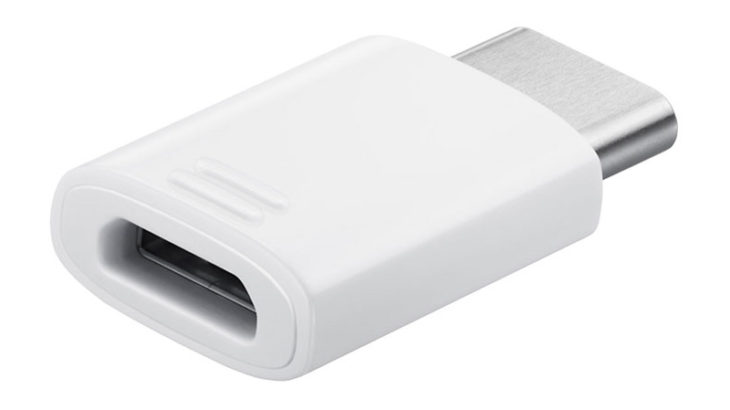
The Note 7 is a marvel of modern smartphone engineering, with a bright and beautiful screen, powerful innards and even the new USB-C connector. Yet while USB-C does have its advantages, what are you supposed to do with the decades-worth of Micro USB cables and accessories you’ve accrued? Just throw them out? Not likely! Instead, you can keep using your existing cables and accessories using a USB-C to Micro USB adapter.
How to protect your Note 7’s screen
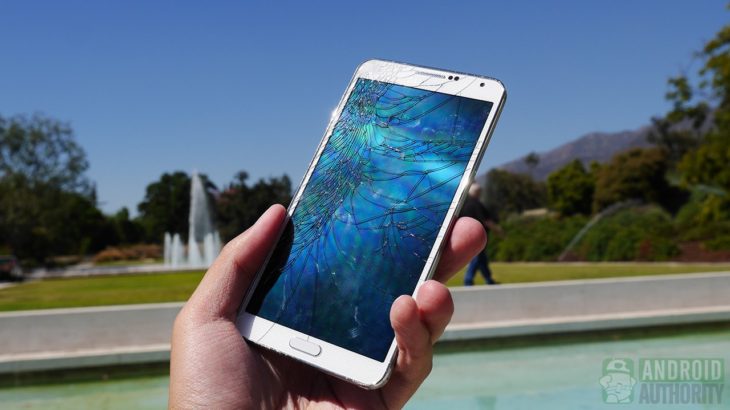
The Note 7 is protected by Corning’s latest Gorilla Glass 5, but that hardly means it’s invulnerable. In this article, we’ll show you how to protect your Samsung Galaxy Note 7’s screen from scratches, drops and other dangers — including plastic and tempered glass screen protectors, cases and more.