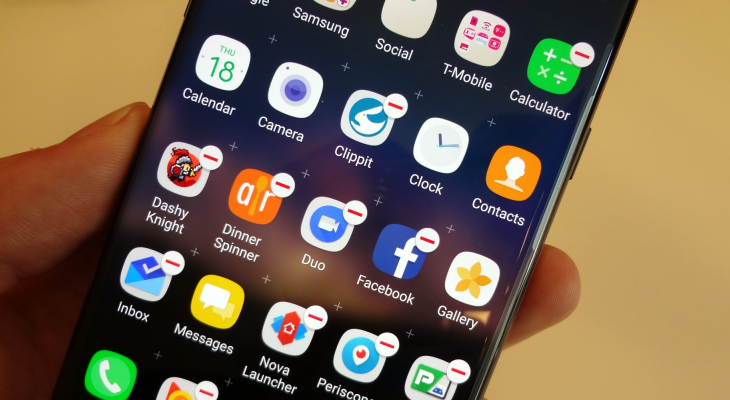
The Note 7 is a mighty phone, but it’s hamstrung somewhat by the amount of bloatware that it comes with. Here’s how to get rid of them — to save space, simplify your app drawer and save your data allowance by preventing useless updates.
The Note 7 is a mighty phone, but it’s hamstrung somewhat by the amount of bloatware that it comes with. Here’s how to get rid of them — to save space, simplify your app drawer and save your data allowance by preventing useless updates.
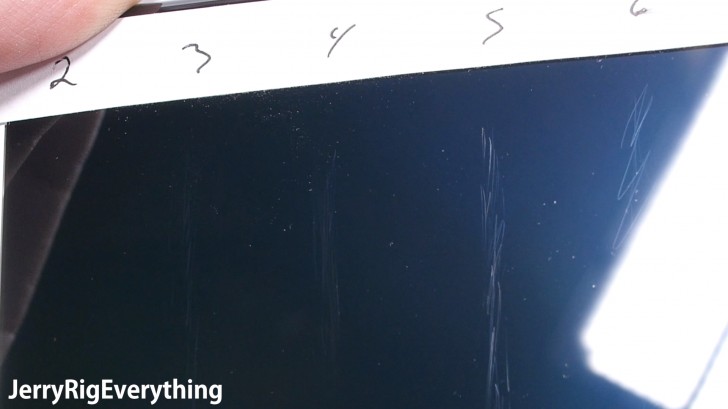
As we mentioned earlier this week, the Galaxy Note 7 comes with brand new Corning Gorilla Glass 5. This new glass is more shatter-resistant than ever before, but it turns out that comes at a cost: the new glass scratches way more easily than the previous versions, thanks to its use of a softer and more flexible material.
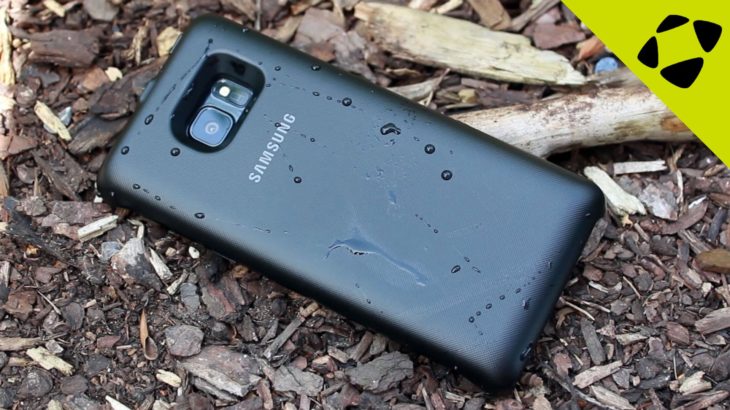
Over the past couple days, we’ve received our first shipments of Note 7 cases, both official cases from Samsung and third-party options. We’ve added them to our virtual shelves, but our video team has also done some hands-on videos that give you a much better idea of what to expert — how the cases feel in the hand, what they look like from all angles, and how they compare to one another.
USB-C has a long list of positive features: it’s reversible, it replaces a wide range of cables and it allows for fast charging. However, the standard isn’t yet perfect; it’s still developing. Today two pieces of USB-C news broke which should improve the standard, so let’s take a look at them together. First up: a new Digital Audio spec, then Certified accessories.
The Note 7 comes with 64GB of storage space as standard, compared to just 32GB on the Note 5… yet there are more ways to run out of space than ever before, with VR apps and games, 4K video recording and increasingly heavy apps and features. Today, we’ll be showing you how to regain some of that space, by adding new hardware or making software tweaks. Let’s get started!