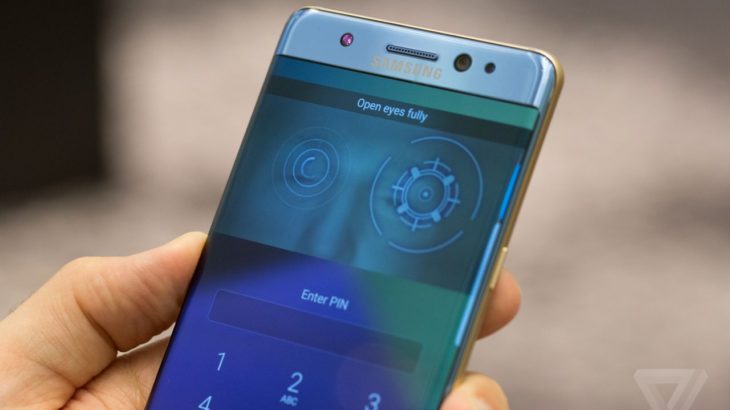
The Galaxy Note 7 is here, and it’s one of the most feature-packed smartphones of all time. Here are fifteen tips and tricks for getting the most out of your phone, including hidden settings, new features and useful accessories.
The Galaxy Note 7 is here, and it’s one of the most feature-packed smartphones of all time. Here are fifteen tips and tricks for getting the most out of your phone, including hidden settings, new features and useful accessories.
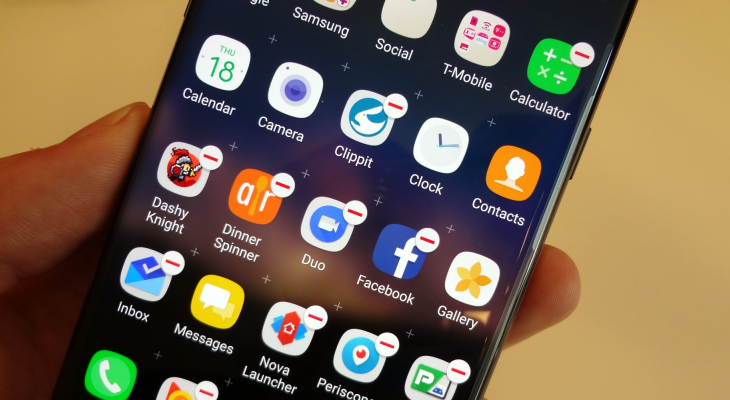
The Note 7 is a mighty phone, but it’s hamstrung somewhat by the amount of bloatware that it comes with. Here’s how to get rid of them — to save space, simplify your app drawer and save your data allowance by preventing useless updates.
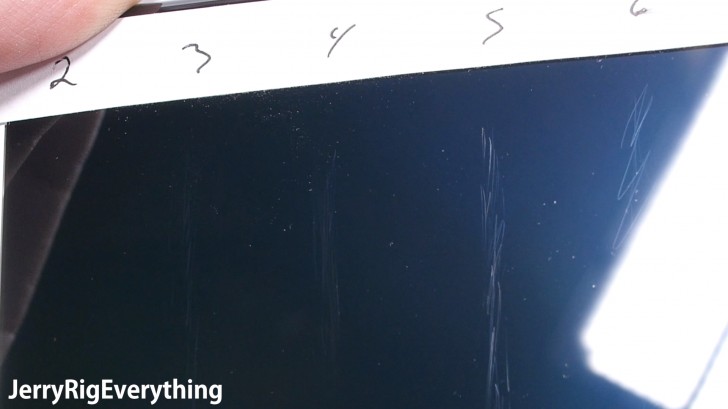
As we mentioned earlier this week, the Galaxy Note 7 comes with brand new Corning Gorilla Glass 5. This new glass is more shatter-resistant than ever before, but it turns out that comes at a cost: the new glass scratches way more easily than the previous versions, thanks to its use of a softer and more flexible material.
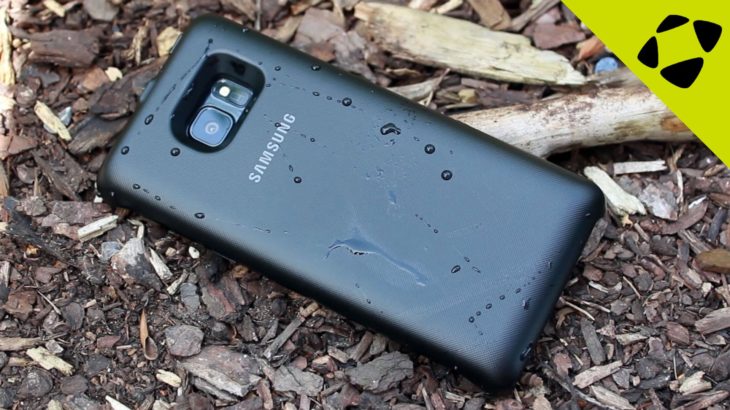
Over the past couple days, we’ve received our first shipments of Note 7 cases, both official cases from Samsung and third-party options. We’ve added them to our virtual shelves, but our video team has also done some hands-on videos that give you a much better idea of what to expert — how the cases feel in the hand, what they look like from all angles, and how they compare to one another.
USB-C has a long list of positive features: it’s reversible, it replaces a wide range of cables and it allows for fast charging. However, the standard isn’t yet perfect; it’s still developing. Today two pieces of USB-C news broke which should improve the standard, so let’s take a look at them together. First up: a new Digital Audio spec, then Certified accessories.